
Powered by Grok Imagine (xAI)
Image to video
Turn still images into motion clips with smooth transitions and visual consistency.
Text to video
Generate short videos from text prompts with camera control and cinematic motion.
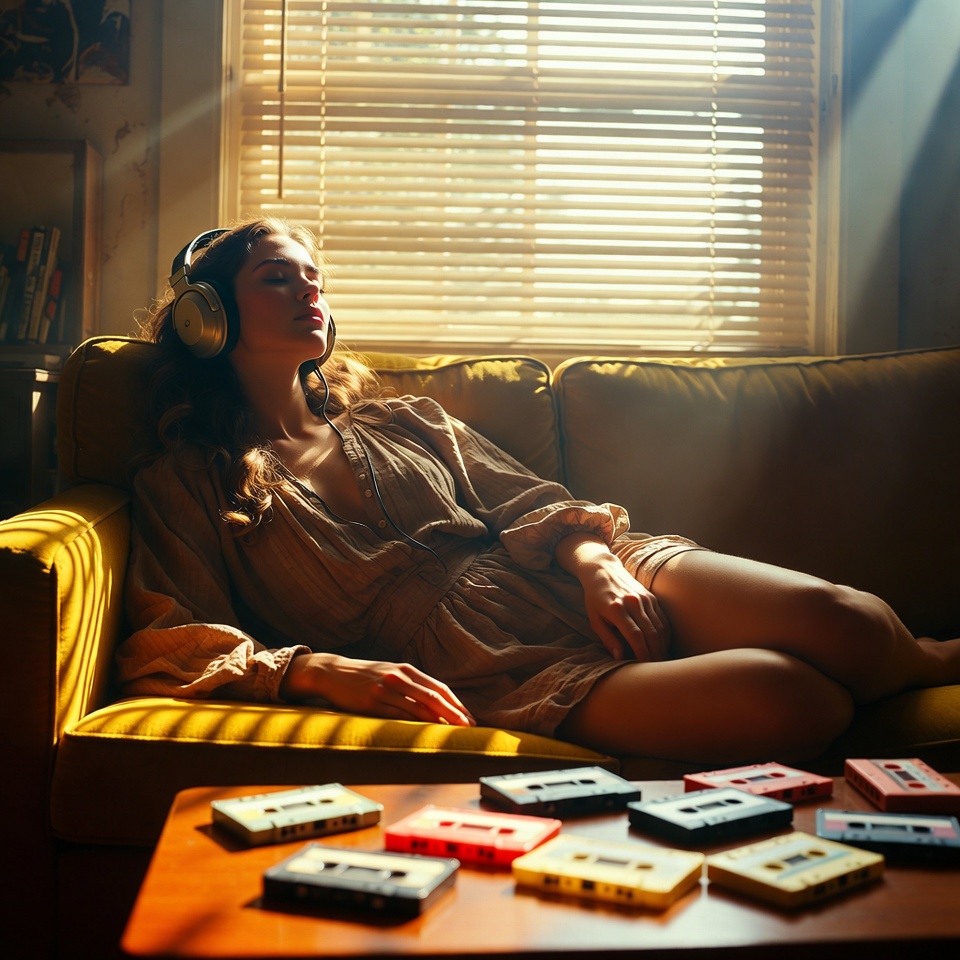
Text to image
Create polished images from prompts for concepts, ads, and creative exploration.

Text to Speech
Turn text into natural voice audio with five voices, speech tags, and flexible output formats.
Grok Imagine 1.5 Features
Clear highlights of what Grok Imagine 1.5 handles best for commercial video and image creation.
Multimodal Commercial Creation Foundation
Grok Imagine 1.5 is a multimodal generative model developed by xAI. It supports text-to-image, text-to-video and image-to-video generation. It produces images and short videos from text prompts or static pictures, and all generated content is available for commercial use.
Ultra-Fast Low-Latency Rendering
Grok Imagine generation speed is greatly optimized to cut rendering time for images and short videos. It delivers outputs with low latency and enables efficient creation of visual content.
Natural and Smooth Physical Motion Performance
Grok Imagine optimizes object motion logic and scene dynamics for smooth, lifelike movements, significantly reducing visual artifacts such as distortion and frame breakdown.
Native Integrated Audio-Visual Synchronized Generation
Grok Imagine generates visuals, dialogue, sound effects and ambient background audio in a single workflow without post-production dubbing. It delivers clearer speech with precise lip-sync alignment for natural coordination between voice and motion.
Grok Imagine 1.5 Application Scenarios
Use cases for Grok Imagine 1.5 across social media, brand marketing, digital art, product demos, and narrative video creation.
Social Media Content Production
Short social media videos and graphic matching materials.
Brand & Commercial Marketing
Standardized visual assets for brand promotion and commercial advertising.
Digital Art & Concept Design
Concept art, character design and digital art creation.
Product Dynamic Presentation
Dynamic showcase clips converted from product photos and design drafts.
Narrative Video Creation
Narrative short films and story-driven cinematic content.
Grok imagine video Showcase
AI video samples: product ads, portrait animation, cinematic & anime.
Text-to-video & image-to-video with smooth motion & audio sync.
Frequently Asked Questions
Quick answers about Grok Imagine video generation, audio sync, output formats, and usage rights.
What can this AI video model do?
Grok Imagine supports cinematic text to video and image-to-video, with auto-synced background audio and smooth AI motion. Use clear scene descriptions (subject, action, camera, lighting) to keep motion coherent and results stable across frames.
What generation modes are available?
It provides two artistic styles: Normal and Fun mode. Normal is best for commercial realism and photorealistic output, Fun leans into playful and creative stylization. Style selection is consistent across both text-to-video and image-to-video workflows.
What video specifications are supported?
It supports 480P and 720P resolution, multiple common aspect ratios including 16:9, 9:16, 1:1, 2:3, 3:2, and a maximum duration of 6 seconds. Choose 9:16 for shorts, 16:9 for YouTube, and 3:2 for cinematic framing.
How does image-to-video generation work?
You only need to upload one single reference image. The AI model retains the original picture style, then adds natural motion, light and shadow changes to form a complete animated scene with synced audio.
How does the platform protect user material privacy?
All uploaded images are only temporarily cached for AI generation and will not be permanently stored or used for other purposes.
Is the generated video quality stable?
Grok Imagine runs stably with coherent scene transitions, natural character and object motion, and matching background music. The AI model is continuously optimized for better generation quality.
Can the generated videos and images be used for commercial purposes?
Every new non-subscriber account automatically gets 15 free credits deposited instantly at signup — exactly enough for 1 complete free 6-second 480p video generation, plus 2 additional free image-generation trials. Free-generated content contains watermarks and cannot be used for commercial purposes. After purchasing a paid credit pack or subscription, all generated content is watermark-free, with full ownership and unlimited personal and commercial usage rights — no additional copyright fees or authorization required.
Are there trial benefits and how to get support when encountering usage problems?
Yes — every new non-subscriber account receives a free one-time 15-credit trial package immediately at signup with no credit card required (1 free 6-second 480p video plus 2 free image generations; login bonuses on subsequent days are not granted separately). The trial never expires. For generation failures, feature questions, or product feedback, contact our support team any time at support@imagine-video.io — we typically reply within one business day.
Start your cinematic AI creation journey
Start your cinematic AI creation journey on Imagine-Video with Grok Imagine and create cinematic text to video, image animation, and AI-edited clips with audio sync.