
Powered by Grok Imagine (xAI)
Image to video
Turn still images into motion clips with smooth transitions and visual consistency.
Text to video
Generate short videos from text prompts with camera control and cinematic motion.
Text to image
Create polished images from prompts for concepts, ads, and creative exploration.
Image to Image
Refine or restyle uploaded visuals while keeping composition and key details aligned.
Grok image to video example
See high-quality Grok image to video examples: turn any photo into cinematic AI video with smooth camera motion, realistic lighting shifts, lip-sync audio sync, and creative prompt-driven storytelling — free to try on imagine-video.
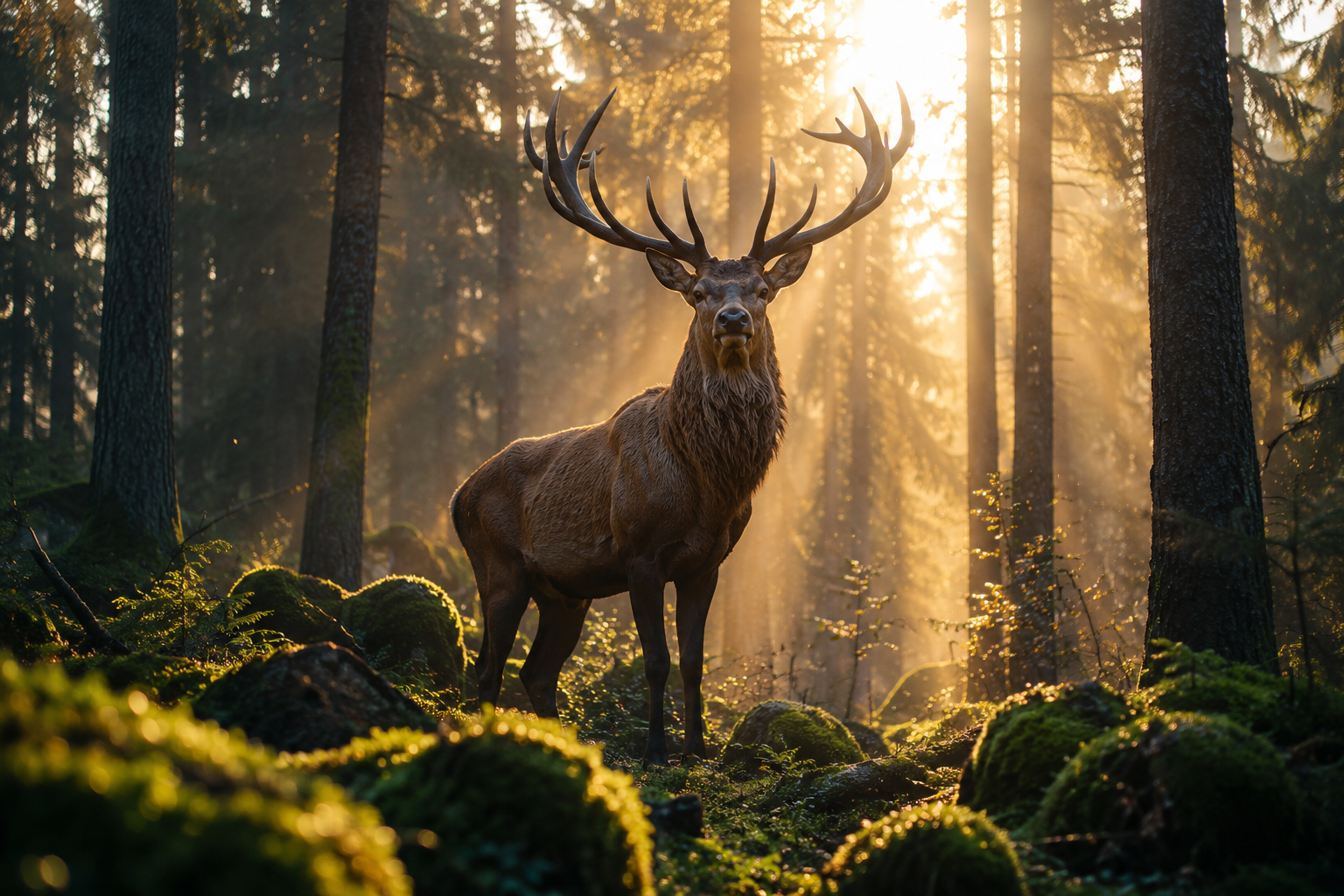
Video Motion Tip: Prompt the video model to slowly pan forward as light rays shift and the stag turns its head.
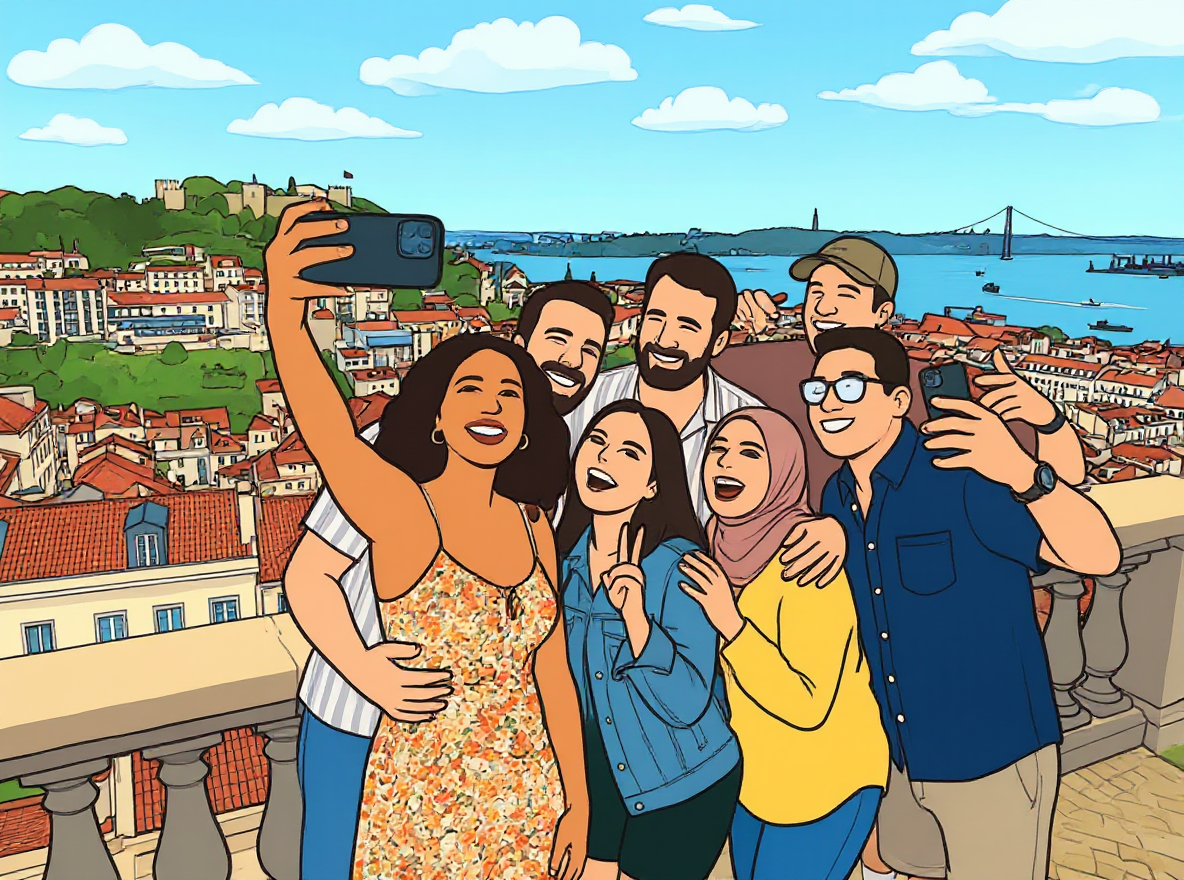
Let's promote it,Grok image to video | imagine-video
Grok imagine video free trials with text-to-video, image-to-video, audio sync, smooth motion, and camera control.
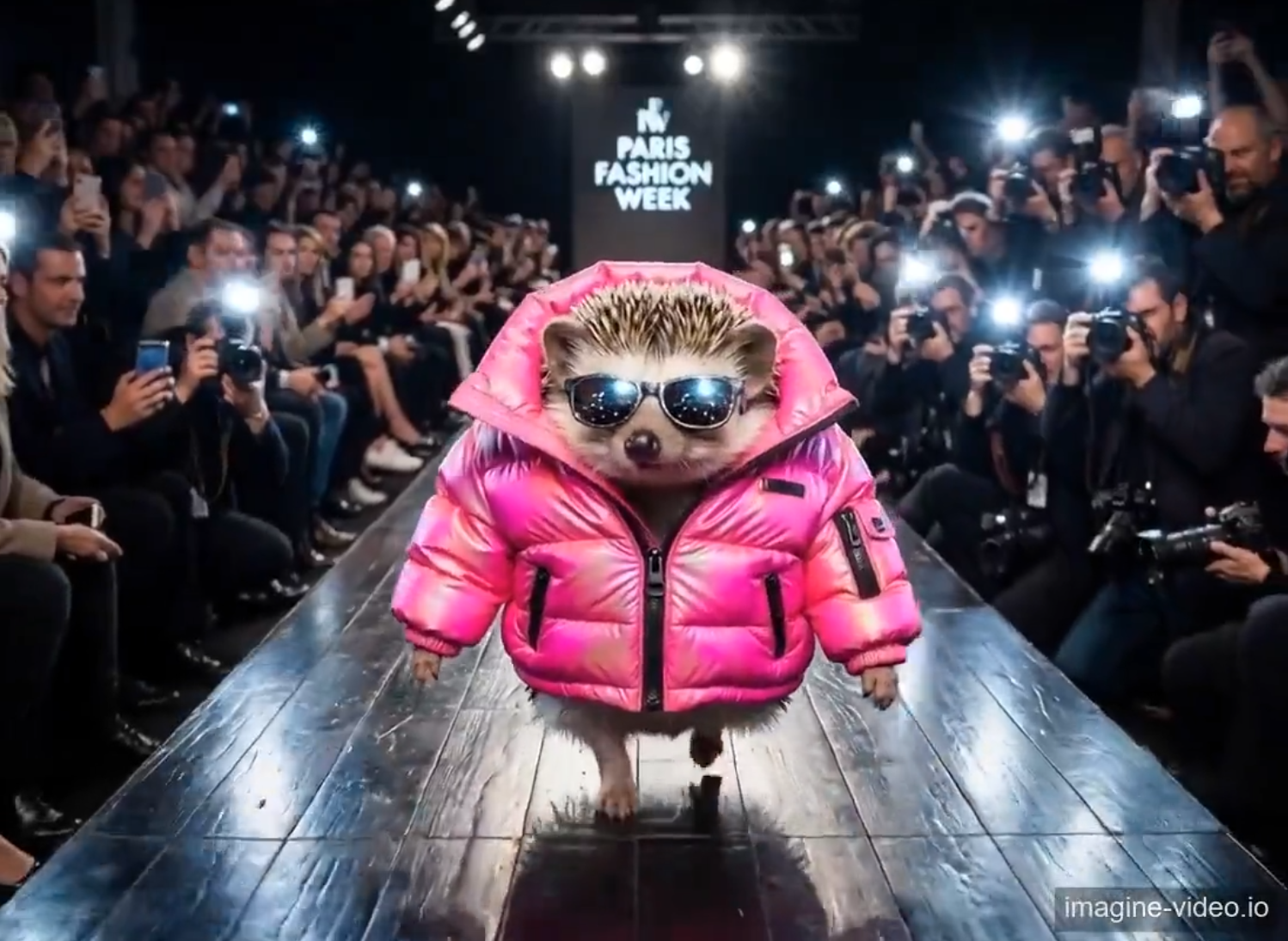
Video Motion Tip: Walk forward calmly and confidently, with the camera light flickering
Frequently Asked Questions
Quick answers about Imagine video generation, audio sync, output formats, and usage rights.
What can this AI video model do?
Supports cinematic text to video and image-to-video, with auto-synced background audio and smooth AI motion. Use clear scene descriptions (subject, action, camera, lighting) to keep motion coherent and results stable across frames.
What generation modes are available?
It provides two artistic styles: Normal and Fun mode. Normal is best for commercial realism and photorealistic output, Fun leans into playful and creative stylization. Style selection is consistent across both text-to-video and image-to-video workflows.
What video specifications are supported?
It supports 480P and 720P resolution, multiple common aspect ratios including 16:9, 9:16, 1:1, 2:3, 3:2, and a maximum duration of 6 seconds. Choose 9:16 for shorts, 16:9 for YouTube, and 3:2 for cinematic framing.
How does image-to-video generation work?
You only need to upload one single reference image. The AI model retains the original picture style, then adds natural motion, light and shadow changes to form a complete animated scene with synced audio.
How does the platform protect user material privacy?
All uploaded images are only temporarily cached for AI generation and will not be permanently stored or used for other purposes.
Is the generated video quality stable?
The model runs stably with coherent scene transitions, natural character and object motion, and matching background music. The AI model is continuously optimized for better generation quality.
Can the generated videos and images be used for commercial purposes?
Every new account automatically gets 15 free credits instantly on signup — enough for one full 6-second video generation even at the new 14.4-credit pricing, with leftover credits for pings and retries. Free-generated content contains watermarks and cannot be used for commercial purposes. After purchasing a paid credit pack or subscription, all generated content is watermark-free, with full ownership and unlimited personal and commercial usage rights — no additional copyright fees or authorization required.
Are there trial benefits and how to get support when encountering usage problems?
Yes — every account gets a free 15-credit trial kit with no credit card required: all 15 credits are deposited immediately when you create your account (one full 6-second video generation even at the new 14.4-credit pricing, with leftover credits for pings and retries). The trial never expires and the signup bonus is instant. For generation failures, feature questions, or product feedback, contact our support team any time at support@imagine-video.io — we typically reply within one business day.